Run multiple battles in a row and reap major rewards with Multi-Battle! Find out how to make the most of this feature with our helpful Multi-Battle guide.
With Multi-Battle, you can automatically set your game to run multiple battles in a row, without having to step in and hit Replay manually. You can run Multi-Battles in Boss Mode, in the Campaign, and in the Spires.
Multi-Battle unlocks when you reach Campaign Chapter 2.
You get 10 free Multi-Battle Tokens each day at 00:00 UTC. You can only receive up to 15 Multi-Battle Tokens this way each day i.e. if you have 10 Multi-Battle Tokens left at the end of a day, you will then only receive an additional 5 at 00:00 UTC the following day.
You can earn an additional 5 Multi-Battle Tokens via Playtime Rewards and then another 5 via Daily Quests, meaning a total of 20 free Multi-Battles each day.
Sets of 40 Multi-Battle Tokens can be purchased from the in-game Shop for 100 Gems. They can be purchased from within the Multi-Battle window by hitting the "Get Multi-Battle Tokens" button.
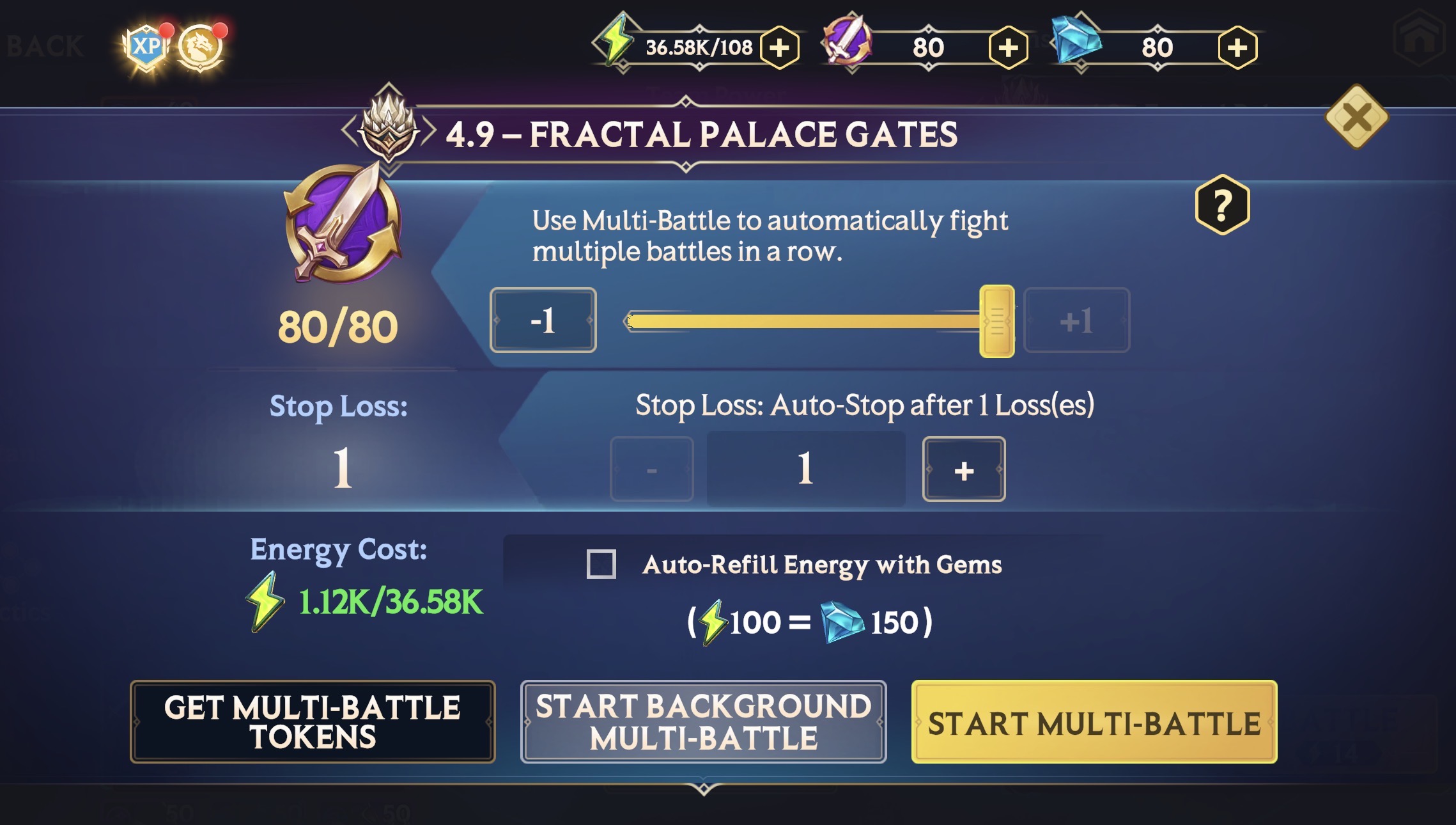
- To enter a Multi-Battle, enter any Level in the Campaign or Boss Mode Stage, hit “Multi-Battle”, and choose your settings. For Spires, hit "Auto Climb".
- Select the number of Battles you want to run.
- Set your Stop-Loss. Multi-Battle will automatically stop re-running a Level after a certain number of lost battles. By default, this is set to 1 Loss.
- Enable Auto-Refill or not. Auto-Refill will keep refilling Energy using your Gems until you run out of Gems or Multi-Battle Tokens.
- If you wish to run Multi-Battles in the background as you summon Invokers, tweak and upgrade your Relics, check the Index and so on, hit "Start Background Multi-Battle".
- You can activate Background Battles for any mode that also supports standard Multi-Battles. It will use Multi-Battle Tokens in the same way.
- If you wish for battles to play with the ability to take over control at any time, hit “Start Multi-Battle”.
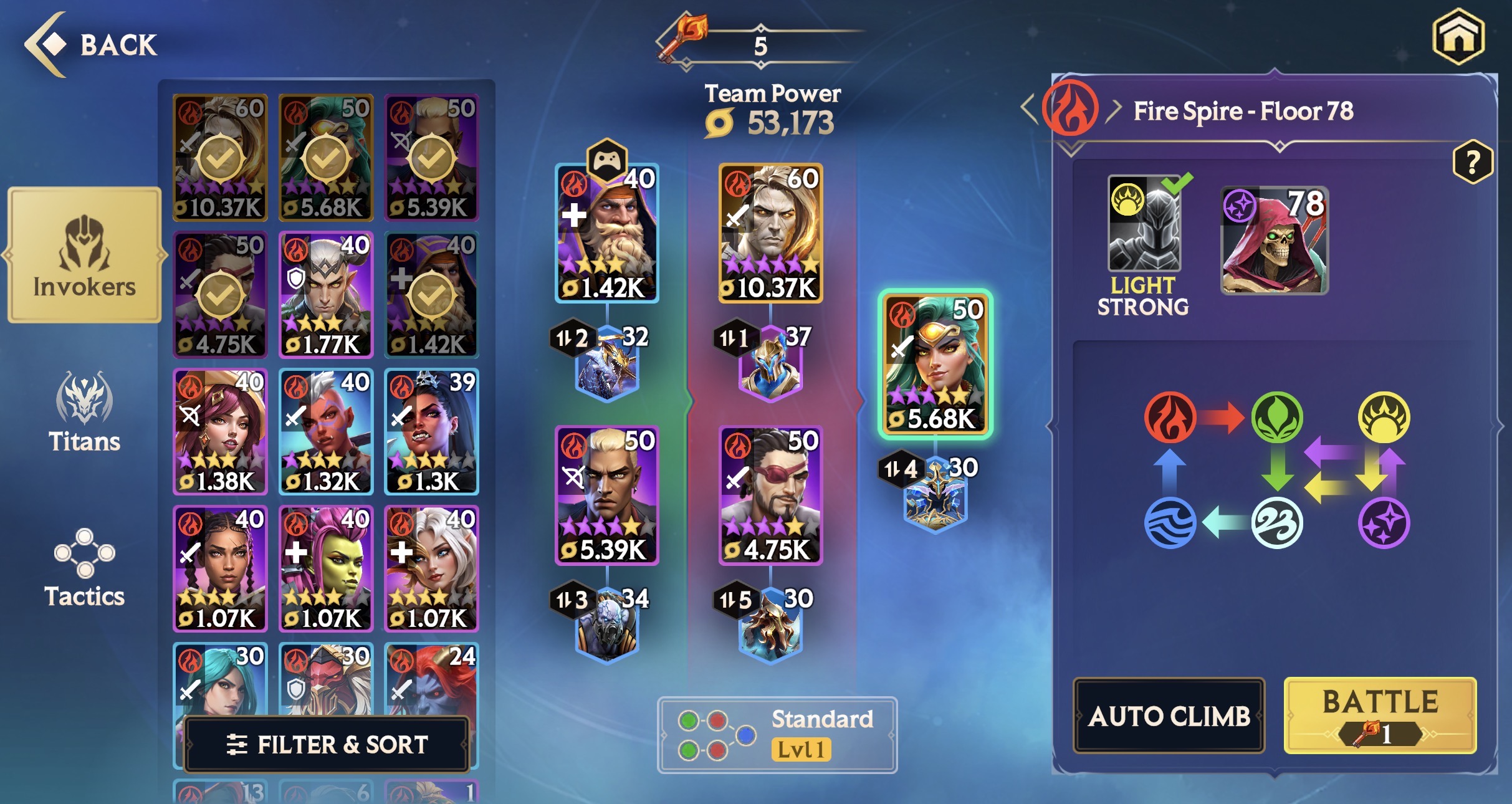
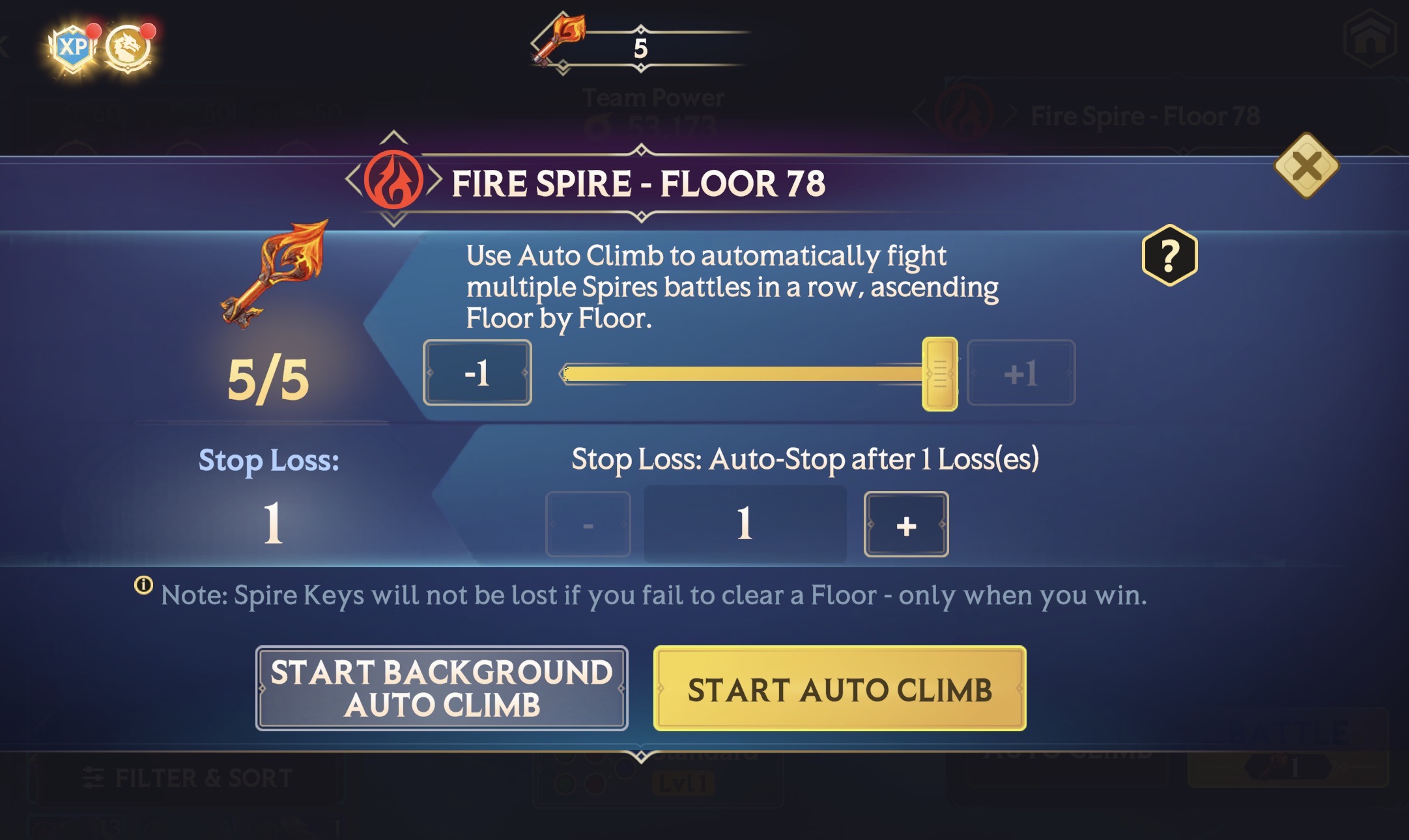
For running Multi-Battles in the Spires, you simply need Spire Keys. No Multi-Battle Tokens are required. When in the pre-battle setup screen, select the "Auto Climb" option in the bottom right-hand corner.
Then, select the number of Battles you wish to run, and pick whether you want them as standard or Background Multi-Battles. Should you lose a Multi-Battle in the Spires, you will not lose a Key and the Multi-Battle sequence will end (depending on your Stop Loss settings).
Multi-Battles will run on Auto by default, but you can step in to help your team on Manual if you need. Just remember to put it back on Auto when you're done.
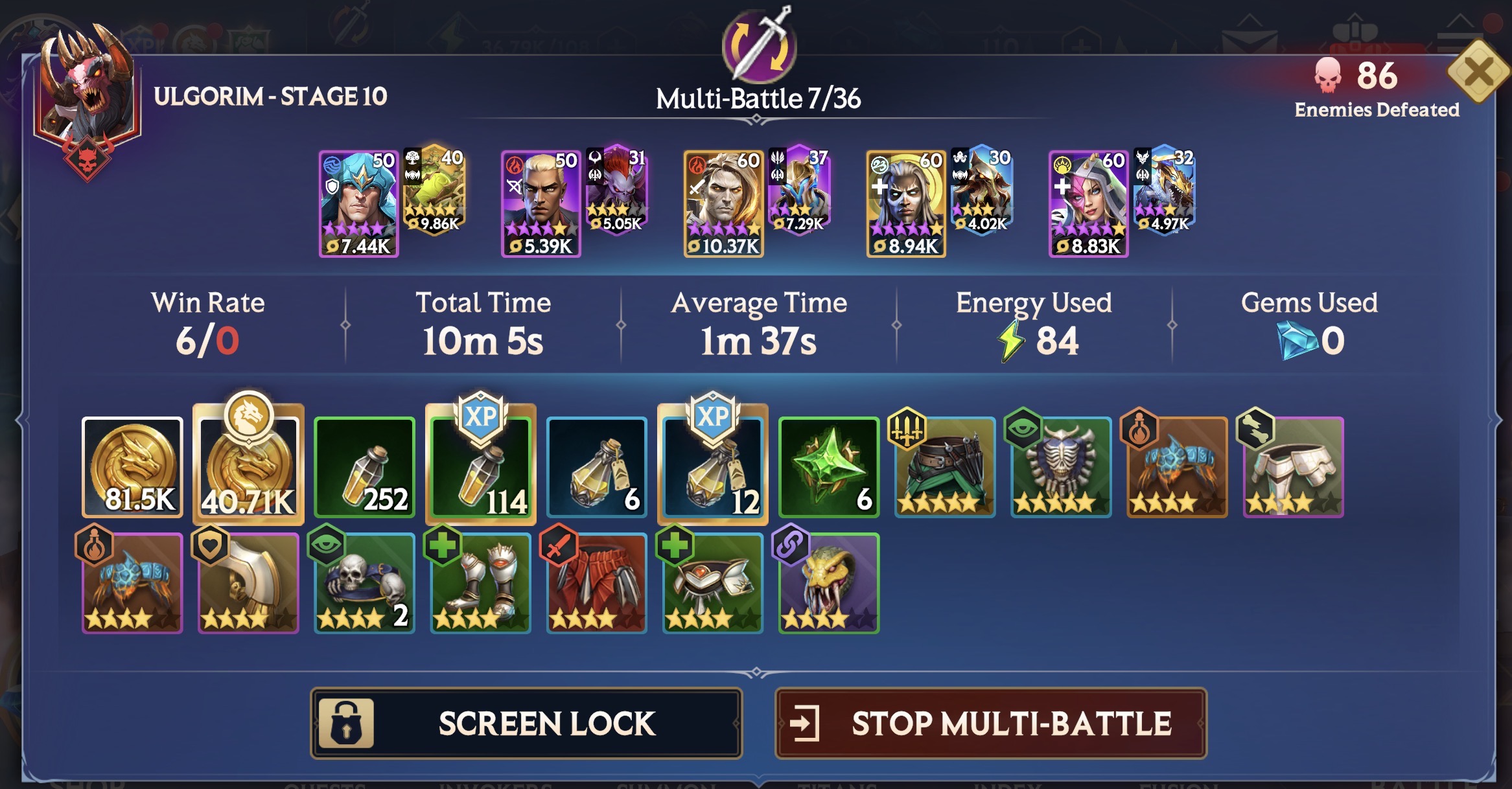
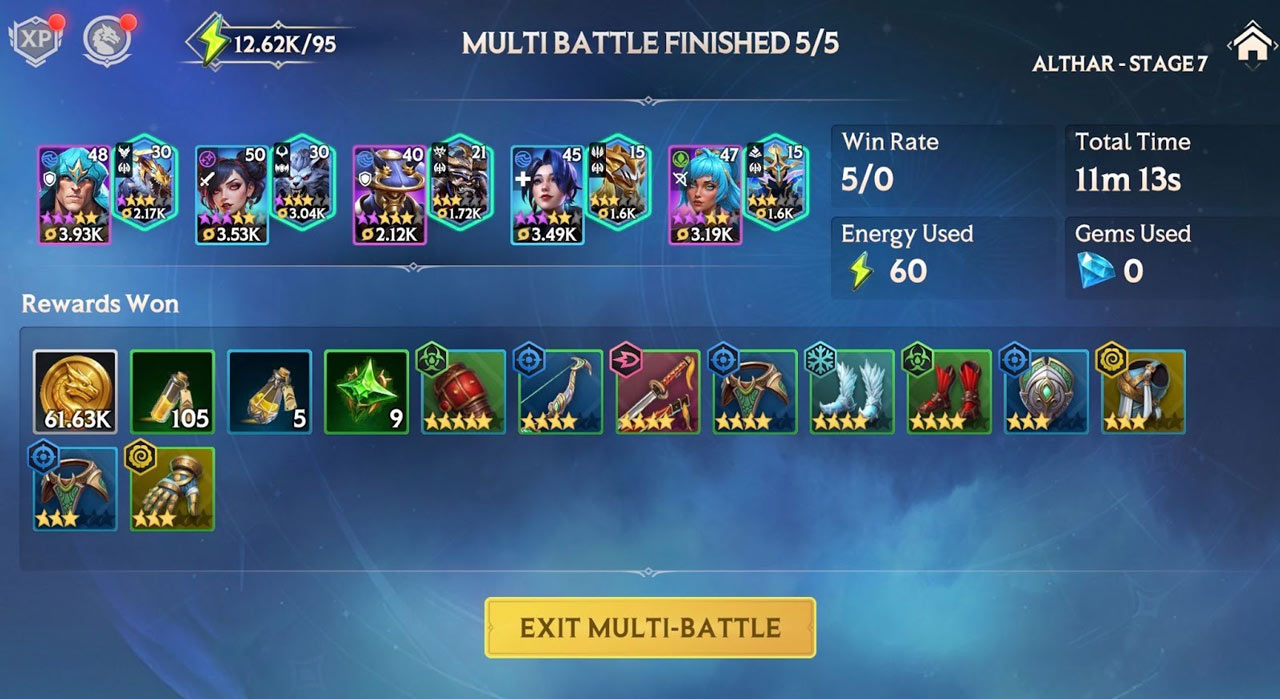
A Multi-Battle sequence will end when you hit your set number of Battles, you run out of Energy or Gems, or hit your Stop Loss. When the Multi-Battle ends, you'll see a new Reward screen summarizing everything you've won.
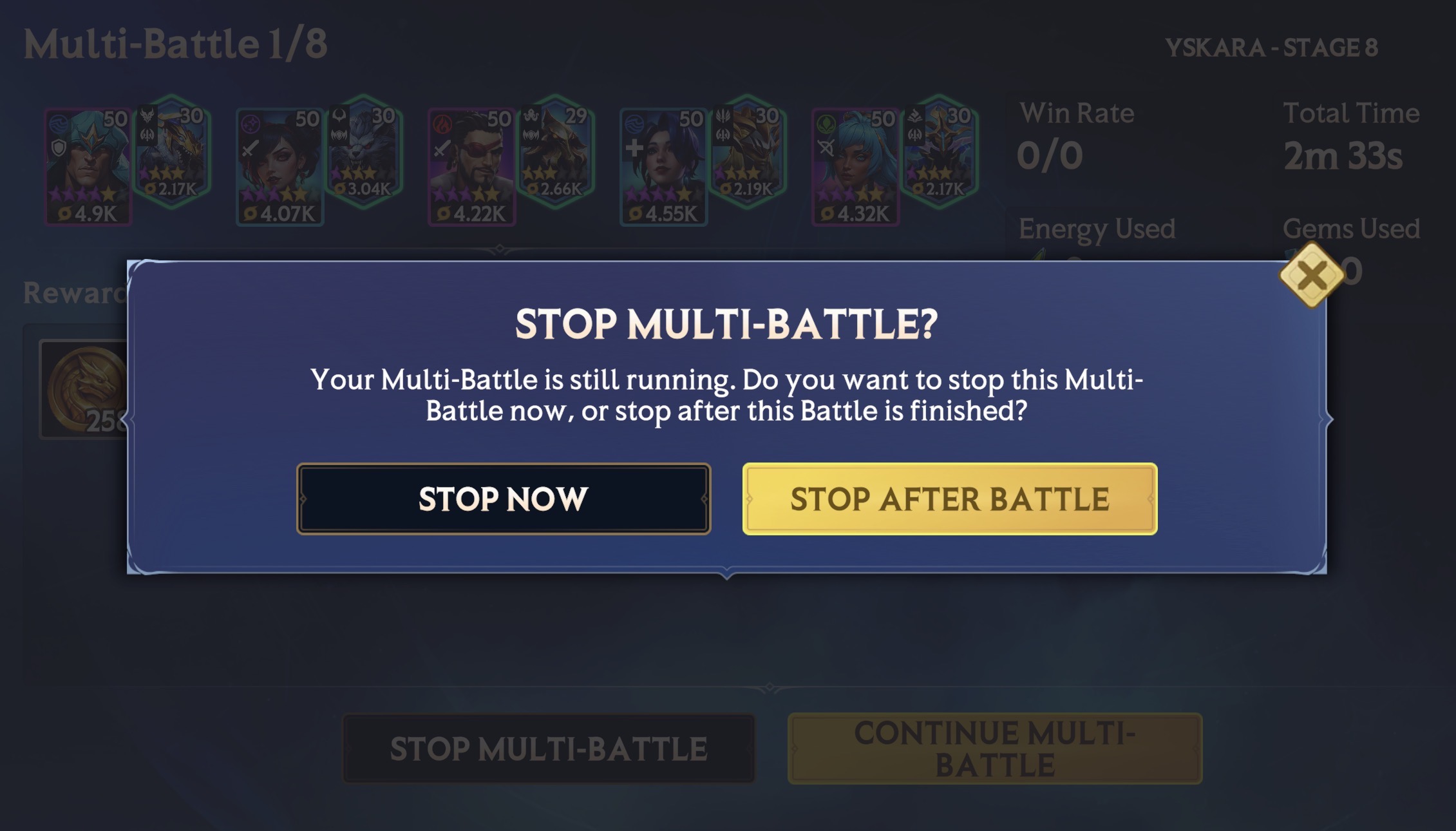
You can also stop your Multi-Battle at any time by pressing the "View Rewards" tab on the Battle Screen. You can choose to either stop the Multi-Battle immediately, or stop the Multi-Battle after the current Battle has finished.
When running Background Battles, you will see an indicator on the home screen, telling you the current progress of your Battles.
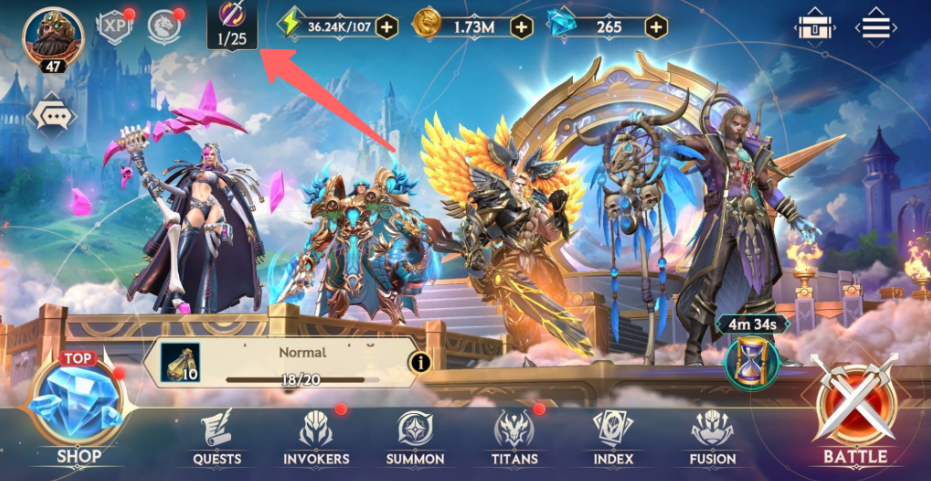
Tapping on this icon will bring up a results screen, similar to "Multi-Battle Finished" screen. It will tell you your average battle time, how many wins/losses you have, the Energy used, what loot you've currently collected, as well as the ability to stop the Background Battle if you wish.